Memories & journal
Keep the moments that matter, together
Chats scroll away. Lovegotchi gives the two of you three places to keep what you want to remember: the Memory Vault, a shared journal, and an automatic timeline.

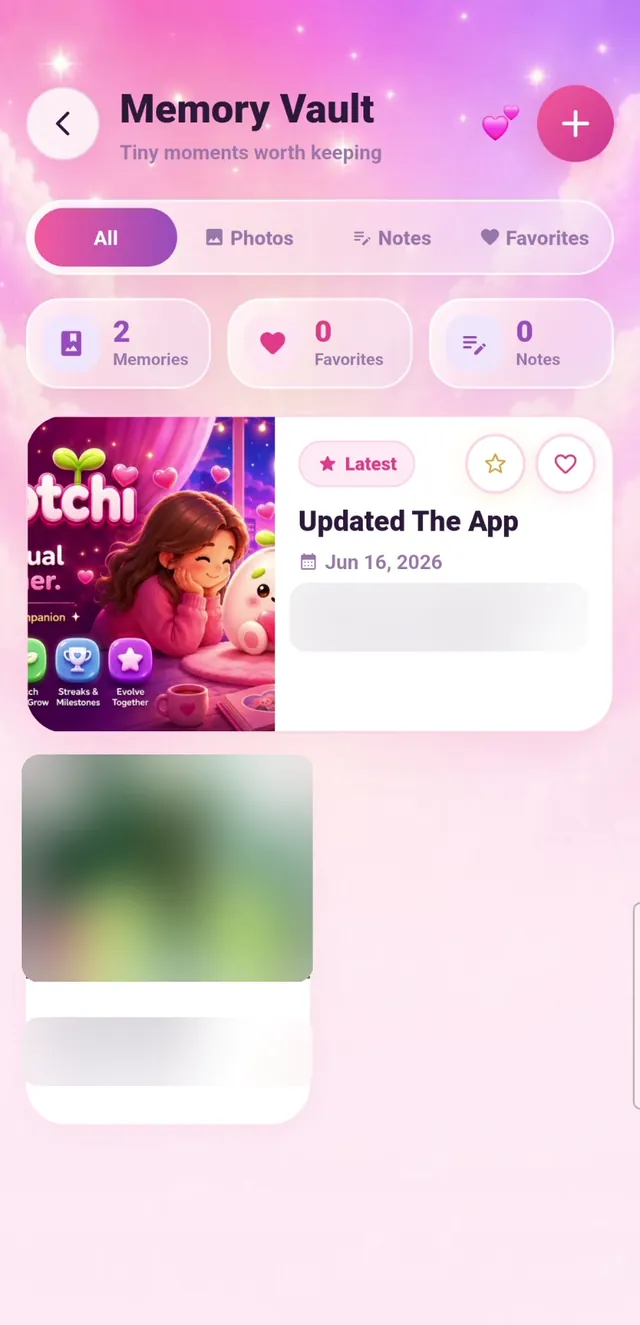
Memory Vault
Photos and notes, saved on purpose.
Add a photo or a written memory with a title and a date. Filter by photos or notes, star your favorites, and come back to them any time.
- Photos & notes. Two kinds of memories, filterable in one tap.
- Favorites. Mark the moments you’ll want to find first.
- Shared by both of you. Either person can add; both can see.
Shared journal
For things that deserve more than a text.
The journal holds dated pages you write together. Prompts help when you don’t know where to start, reactions let you answer each other’s entries, and a writing streak keeps you going.

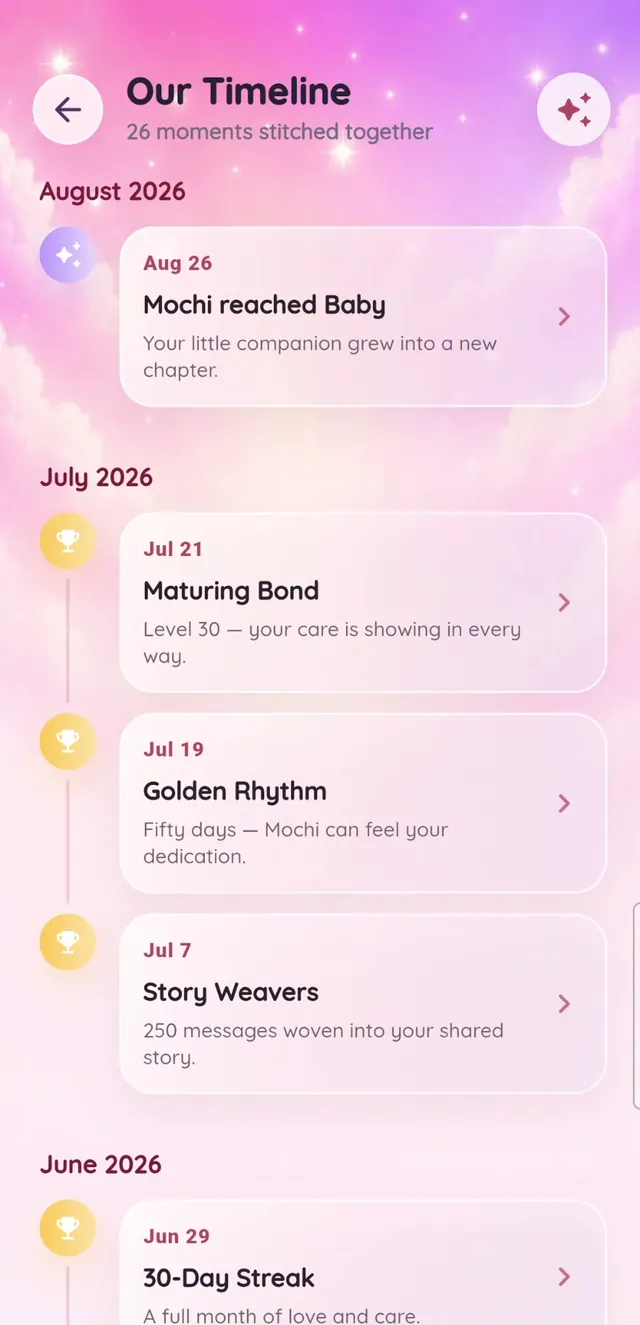
Timeline
Milestones you didn’t have to log.
Your timeline fills itself in: Mochi hatching, reaching new stages, streak goals, anniversaries, and app moments you shared.
Questions
Memory questions
Is there a limit on memories?
The free version has a memory limit; Lovegotchi Plus includes unlimited memories.
Who can see our memories and journal?
Only the two paired accounts in your shared home can see them in the app.
Ready to raise a Mochi together?
Download Lovegotchi, share your invite code, and hatch your first egg together.
Free to download. Contains ads and optional in-app purchases.